Teachers
Improve their practice, class by class
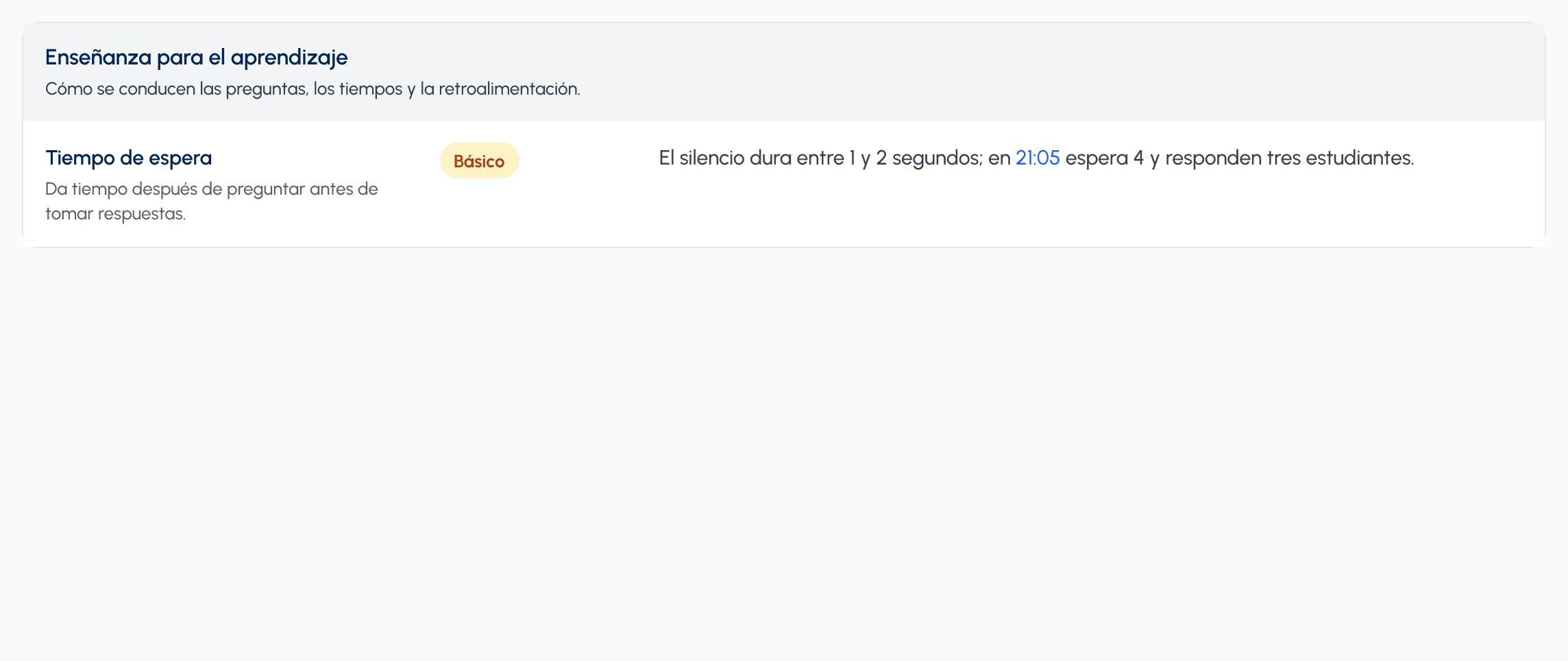
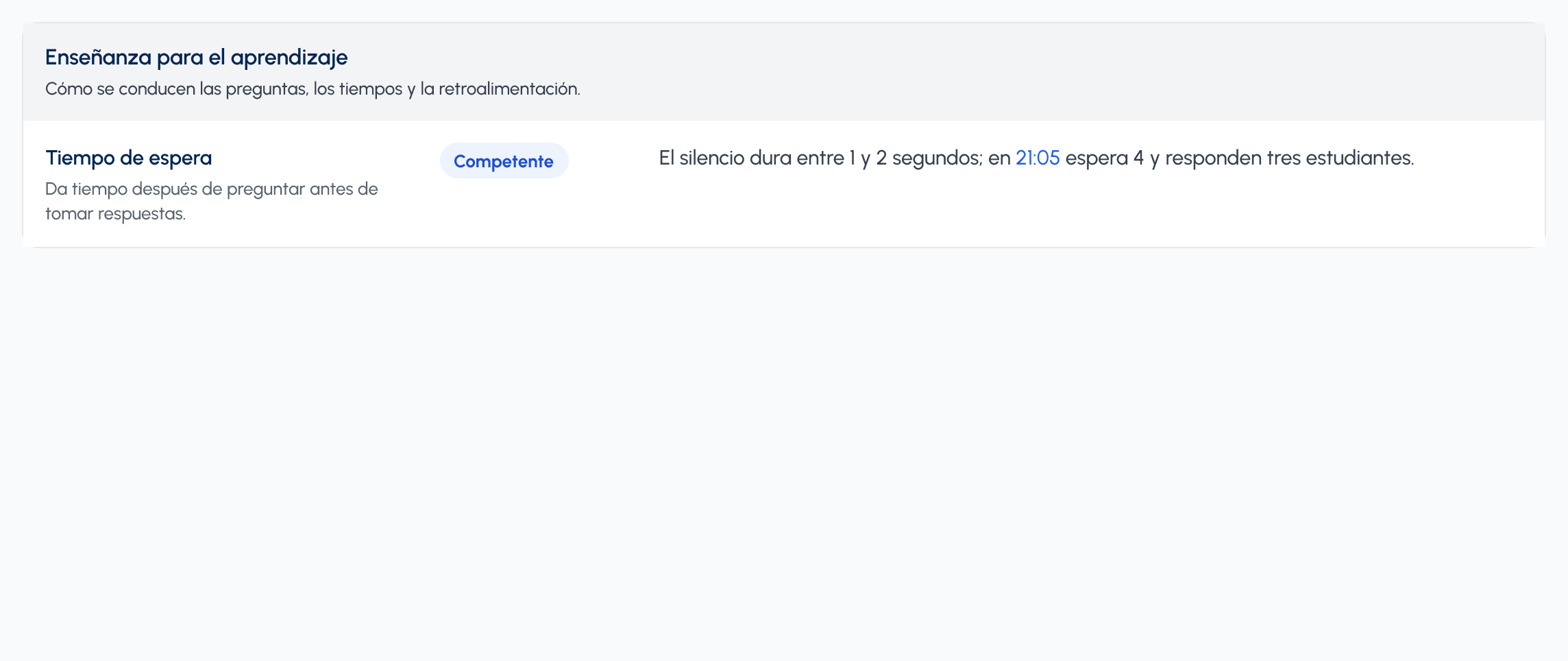
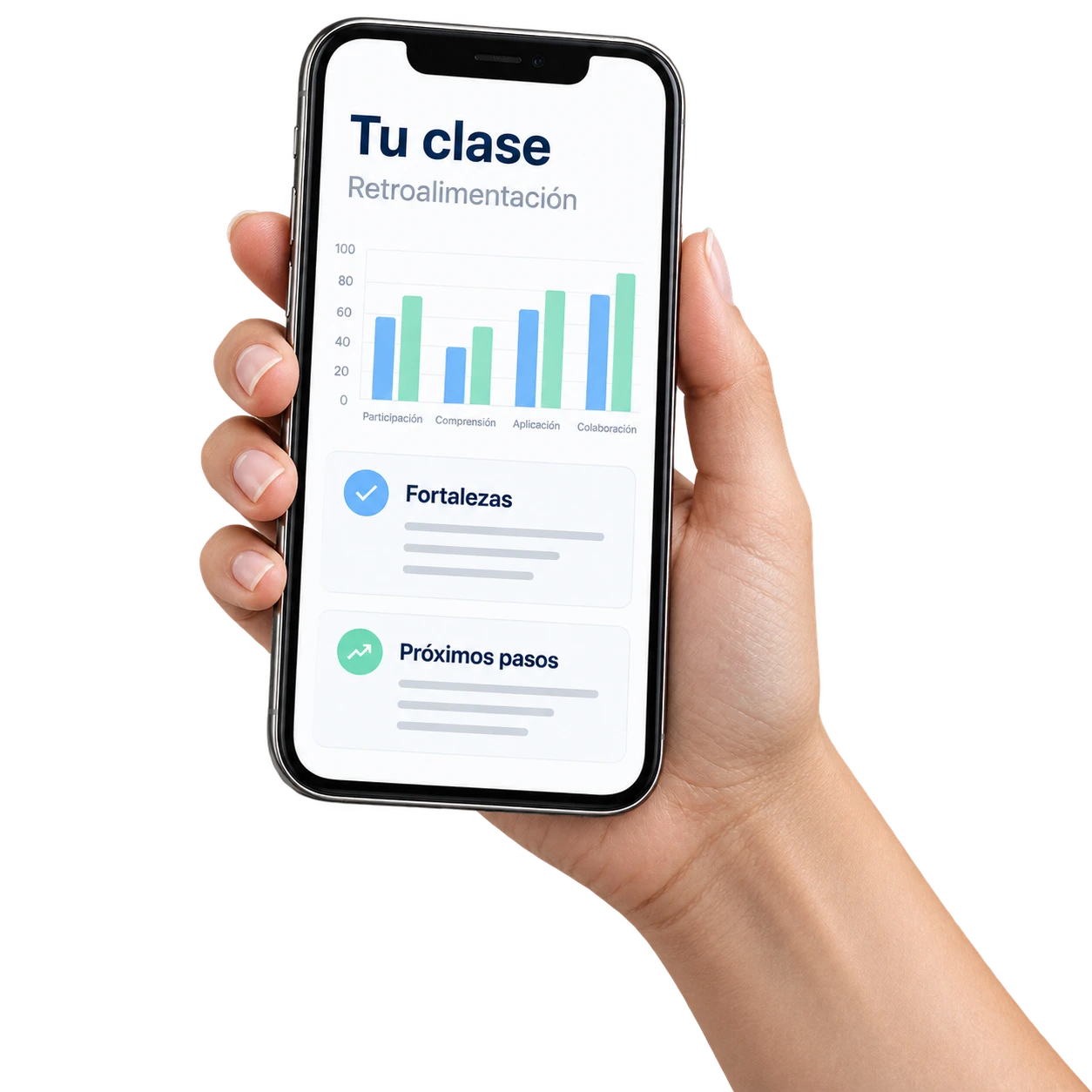
They see their class with evidence, talk it through with the TeachView agent and decide what to try next time.
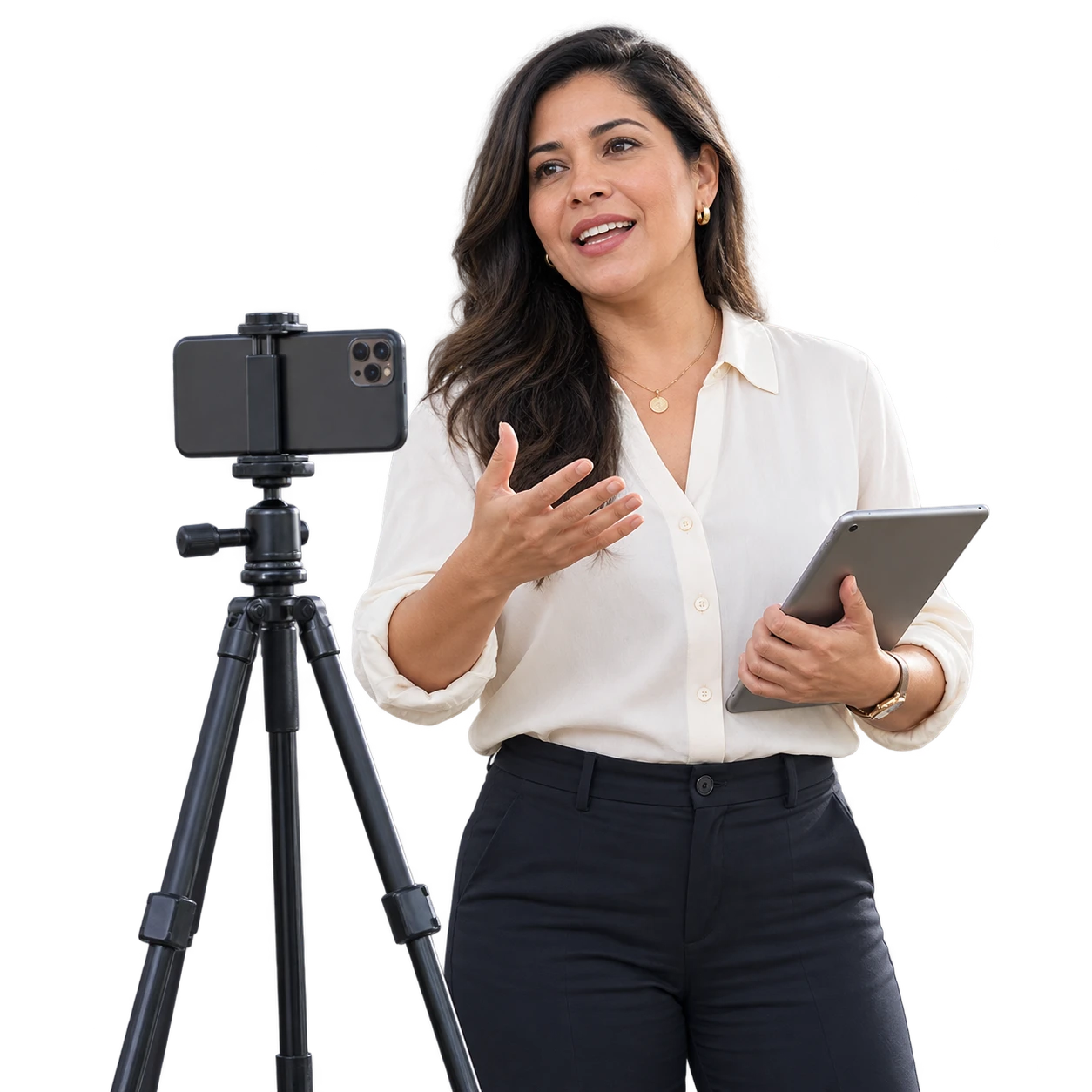
Record your class with your phone, get pedagogical feedback in minutes and talk it through with the TeachView agent.
Over 1,000 teachers already use TeachView in Chile.


Open the app, press record, teach your class as usual. TeachView lets you record video or just audio. You can also upload your online classes.
You do not have to do anything else: the AI processes your recording and the analysis arrives in a few minutes.
You read the analysis with the evidence from your class and decide what to adjust next time.
Share your insights with your mentor if you want, or keep everything private. You decide.
A teacher can use it on their own: they record a class, get the analysis and nobody else sees it.
Institutions that have mentors or instructional coaches use it as a tool for that work. There the analysis reaches the mentor first, who can edit it, add what they observed and share it with the teacher when they consider it ready.
The two ways combine well: between one observation and the next, the teacher can keep recording on their own.

Teachers
They see their class with evidence, talk it through with the TeachView agent and decide what to try next time.
Mentors
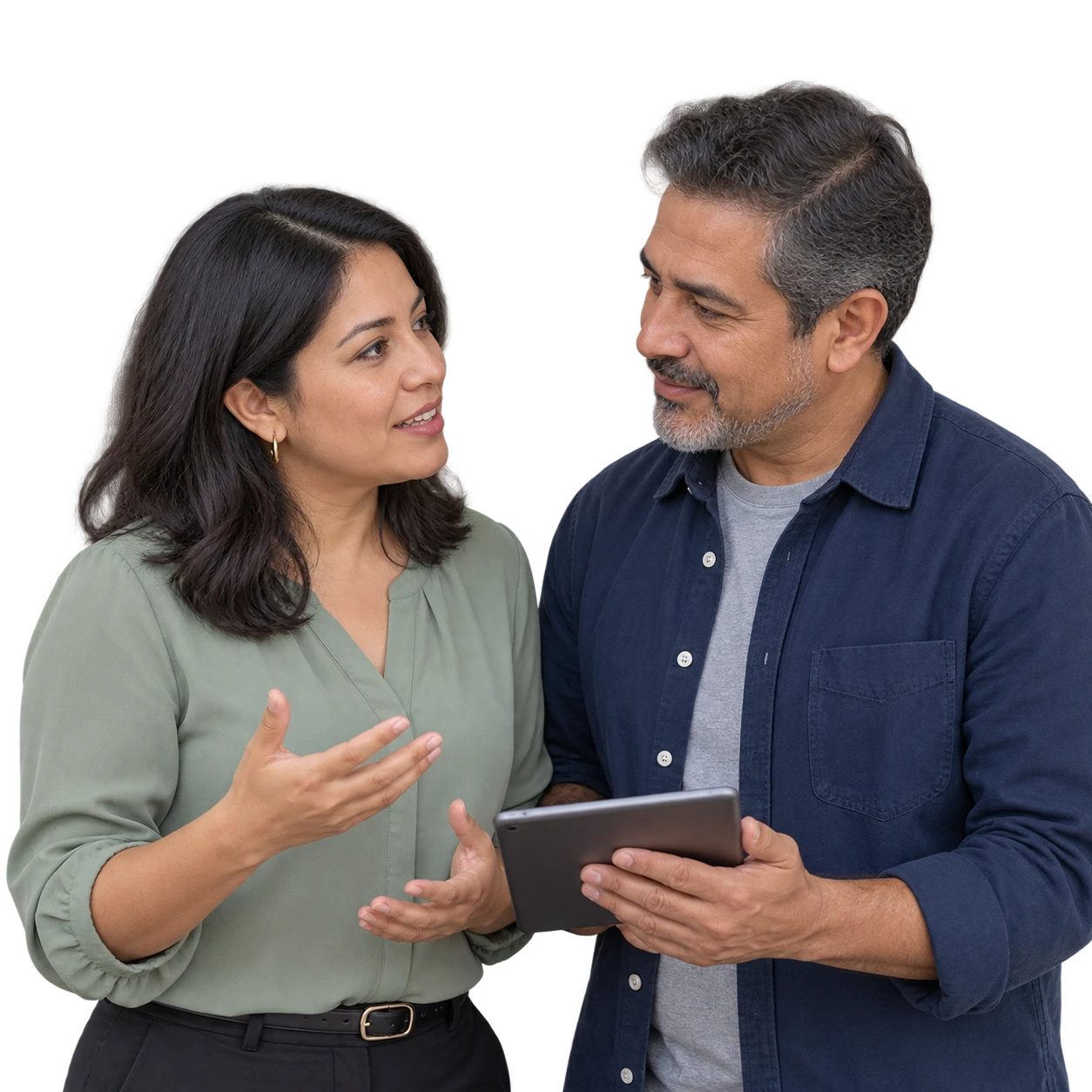
They come to every conversation with the class already analyzed. With the same time, they can observe and support more teachers.
Leadership teams
They see patterns by faculty or department in the classes teachers share with the institution, and create or adjust their observation instruments by talking with Claude, via MCP.
See when the teacher talks and when the students do. Mentor and teacher comment at the exact minute and reply right there.
Rubrics, checklists or segment grids: TeachView analyzes the class with your institution's instrument and shows the level and the evidence for each indicator.
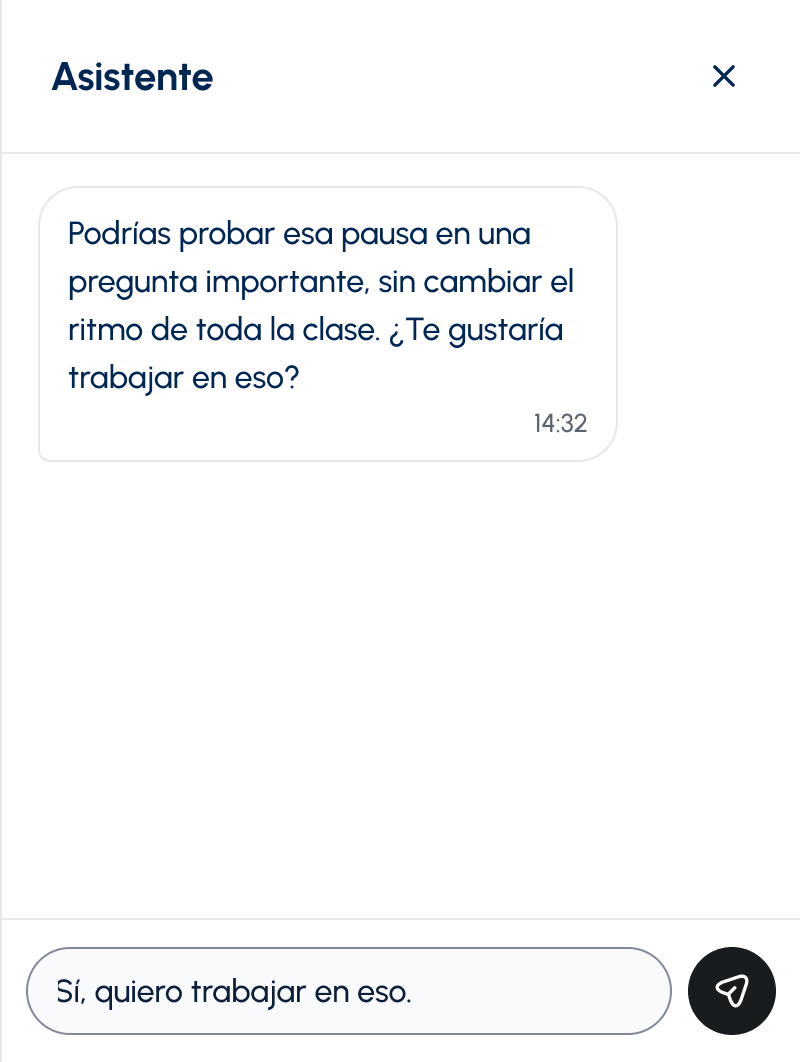
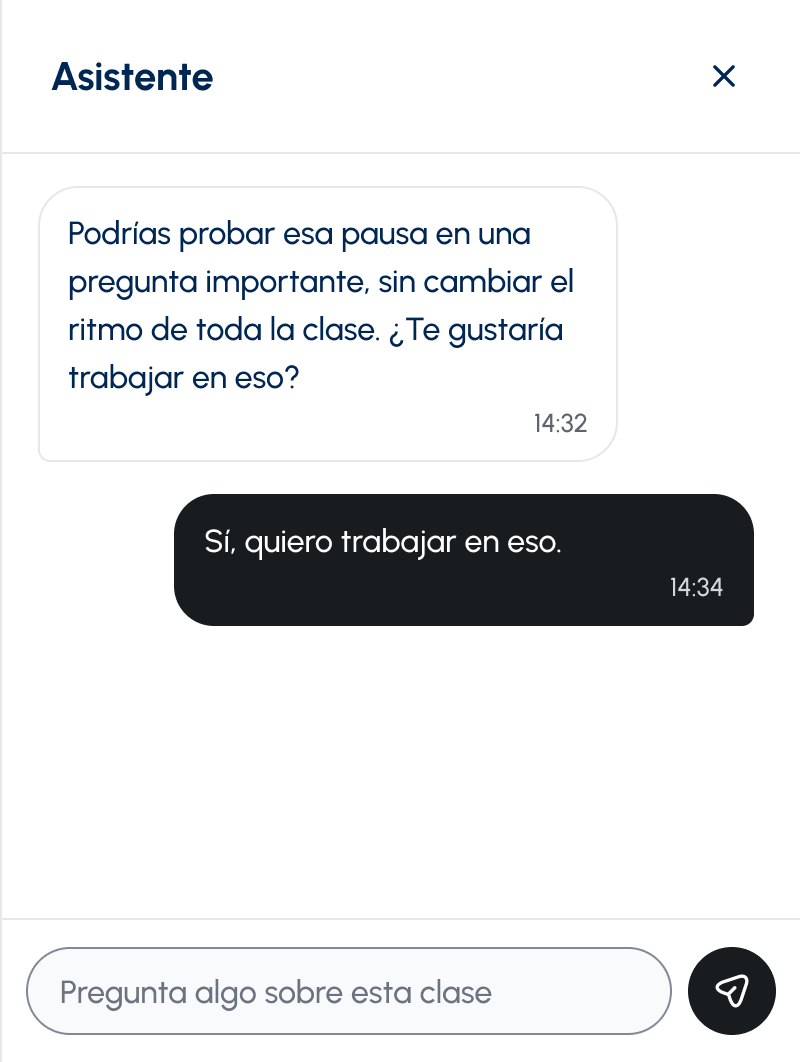
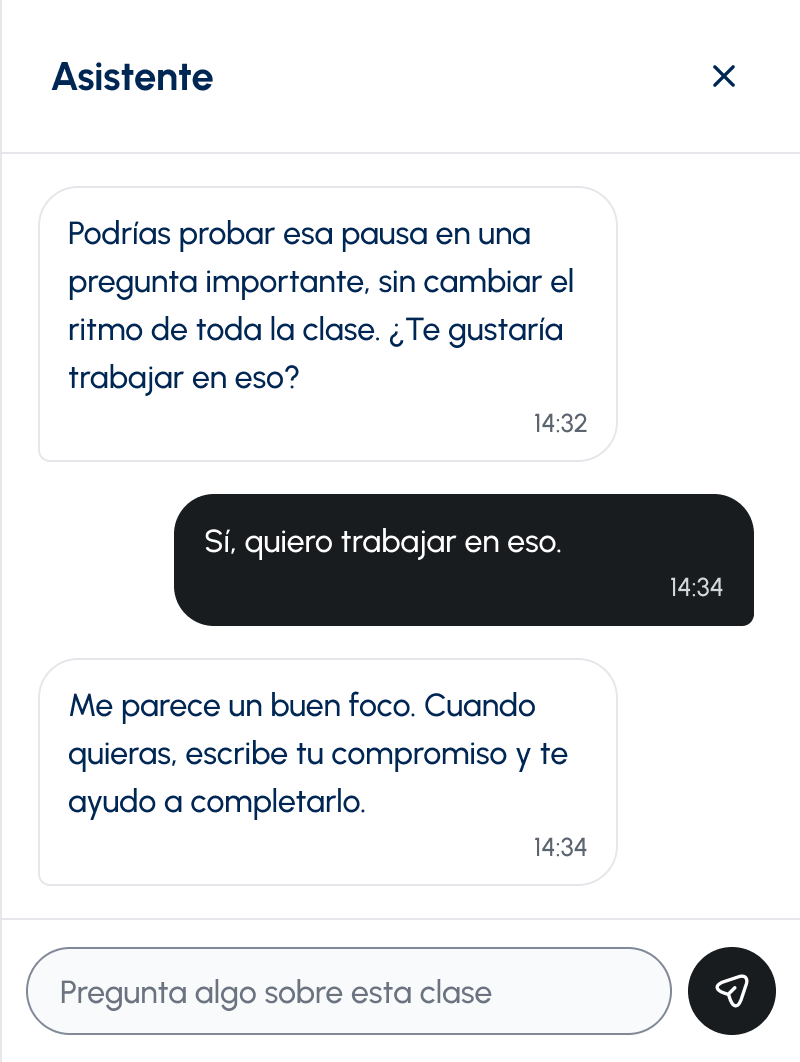
You talk about your class inside TeachView. The agent answers with what happened in your recording and helps you choose what to try.
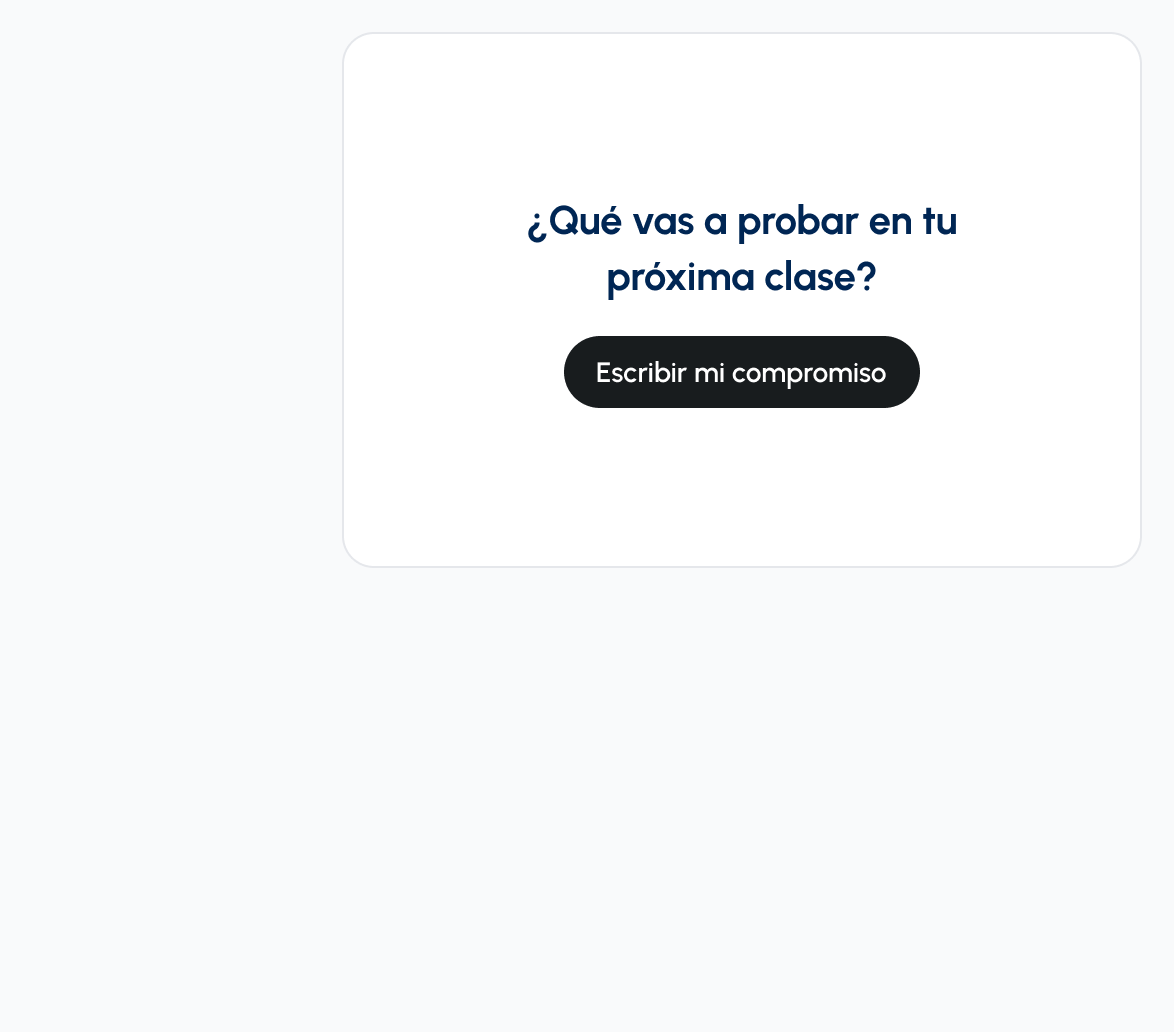
Every analysis ends with a question: what will you try in your next class? You write your commitment and know what to look for when you record again.

Teachers record a class when their Circles course starts and another when it ends.
Your institution adds the practices the course teaches to its observation instrument.
Mentors comment on the class building on what the teacher worked on with their circle.
Add TeachView to your Circles courses with a 30% discount.
Perfect for teachers who want to explore TeachView and improve their practice independently.
For schools and universities that want to offer systematic professional development to their teachers.
From strategic planning to data analysis, we're with you every step of the way to ensure a successful implementation.
We co-create a custom plan to meet your goals and configure the TeachView platform with your institution's specific rubrics and frameworks.
Download the app and try it free
Compliant with Chile's Ley 21.719 on personal-data protection.
The TeachView agent, inside the app. It knows your class transcript, the instrument results and the feedback you have permission to see, and helps you decide what to try. WhatsApp and email only let you know when your analysis is ready.
Only you. On individual accounts, no one else has access. On institutional accounts, you explicitly decide who to share each recording with. Your director or coordinator CANNOT see your recordings without your permission.
No. You only need your phone. Place it where it can capture your voice clearly (for example, on your desk or on a simple tripod). You don't need an external microphone or professional camera.
We recommend recording 15-20 minutes. You can record longer classes if you want, but short and frequent recordings are the best combination for continuous improvement.
Audio is the simplest: it needs no setup, just leave the phone where it picks up your voice. Video helps when you want to see yourself teaching, or when you are going to share the recording with a mentor, because it lets them see things the AI cannot detect yet. You can use both, depending on the class.
Generally 5-15 minutes after you upload your recording. We let you know by WhatsApp or email when it is ready, and you review it in TeachView, where you can talk it through with the agent.
To help you improve. TeachView is a professional development tool, not an evaluation tool. It's like having a mirror for your teaching. We don't share information with administrators unless you explicitly authorize it.
Yes. Two completely free recordings, no credit card, no commitments. Download the app and start. If you want to continue after your 2 free recordings, you would need your institution to contract the service or wait for us to launch more individual options.
If you give permission, a mentor can view the recording, review the AI-generated feedback, edit or add human context, and release a final version back to you. Without that explicit permission, the mentor has no access.
Yes. In the classes a teacher shares with them, the mentor has their own assistant. It knows the video, the transcript and the analysis, and helps them decide what to prioritize, with what evidence and how to say it. The mentor can ask it for a draft; the mentor writes the final feedback and decides when to release it.
They're complementary, not competitive. A human mentor sees nuances that AI doesn't capture, but can only observe you occasionally. TeachView gives you objective feedback every time you record, identifying patterns that are hard to see in a single observation. The ideal is to use both: TeachView for frequent feedback, mentor for deep conversations.
TeachView CAN:
TeachView CANNOT:
No. All student voices are labeled collectively as "students". We don't distinguish who said what. This is by design to protect your students' privacy.
We propose a 3-5 week pilot with 2-5 volunteer teachers. They record their classes, we analyze them, and we meet to review findings together. It's a great way to explore if TeachView works in your context.
Yes, on institutional accounts. If your school uses a specific pedagogical framework (like CLASS, Danielson, or a custom model), we can configure TeachView to analyze according to those criteria. This is part of institutional implementation.
Yes. TeachView works with whole-class rubrics, checklists and segment grids. An authorized administrator at your institution can create and update its instruments by talking with Claude through TeachView's MCP integration, or we can set them up for you as part of the implementation.
Only the classes each teacher shares with the institution. From those, the institutional dashboard shows aggregate patterns by period and by faculty or department, such as teacher participation and the instruments used. Each person sees only their own part of the institution.
On free individual accounts, we use recordings (completely anonymized) to improve our AI models. This means we remove all identifiable information and use only teaching patterns to train the technology. On paid institutional accounts, your data is NOT used for training. It's 100% private.
Yes. TeachView works from elementary education to higher education, in all subjects. The analysis adapts to context - a math class is analyzed differently than a physical education class, for example.
Still have questions?
Email us